For session photographers on macOS

Shoot. Cull. Develop.
One app, no subscription.

The missing darkroom for session photographers on macOS. Tethered capture, fast culling and real RAW development — in a single window that stays out of your way.

Download the beta
Free while in beta. No catalog. No cloud. Your folder is the session.
Beta 0.9 — macOS 14+ · Apple silicon
Session Montenegro
P
P
P
Cull
Develop
Tether
GFX100S

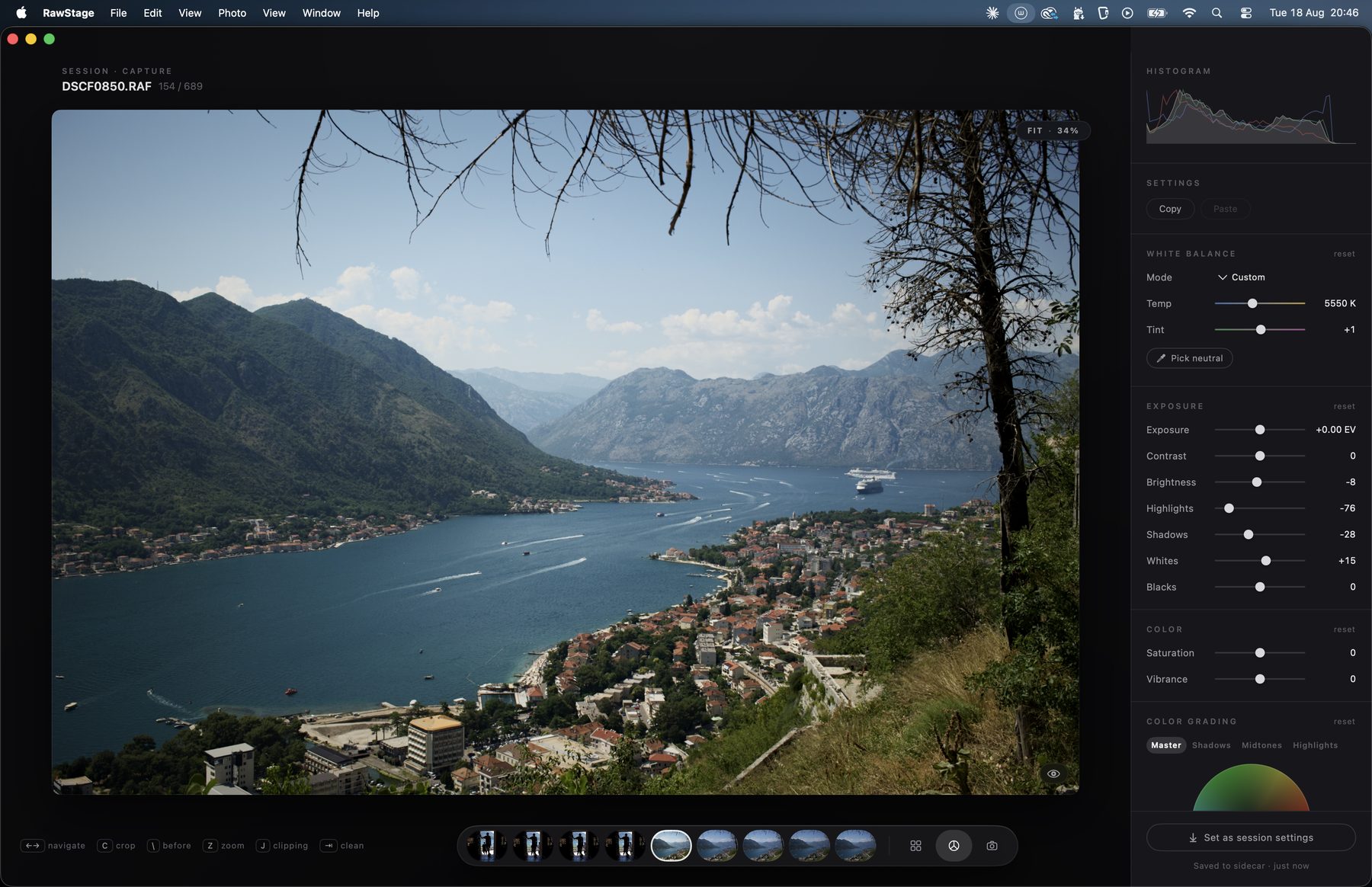
Real photographs from a real session — culled and developed in RawStage.

271 msa 624-photo session,
on screen
6 msphoto-to-photo
navigation (p99)
~1 s102-megapixel RAW,
fully developed
< 1.5 sshutter click to picture
on your Mac, tethered
Measured on Apple silicon with Fujifilm GFX files. Real sessions, not benchmarks built to flatter.
One window · three rooms

Everything a session needs. Nothing it doesn't.

Cull

Keep the keepers. Lose the rest. Don't wait for either.

A grid that opens instantly and never stutters. Rate, flag and filter with one hand on the keyboard. No import, no catalog — point it at a folder and start.

Develop

The classic darkroom panel. Nothing you won't use.

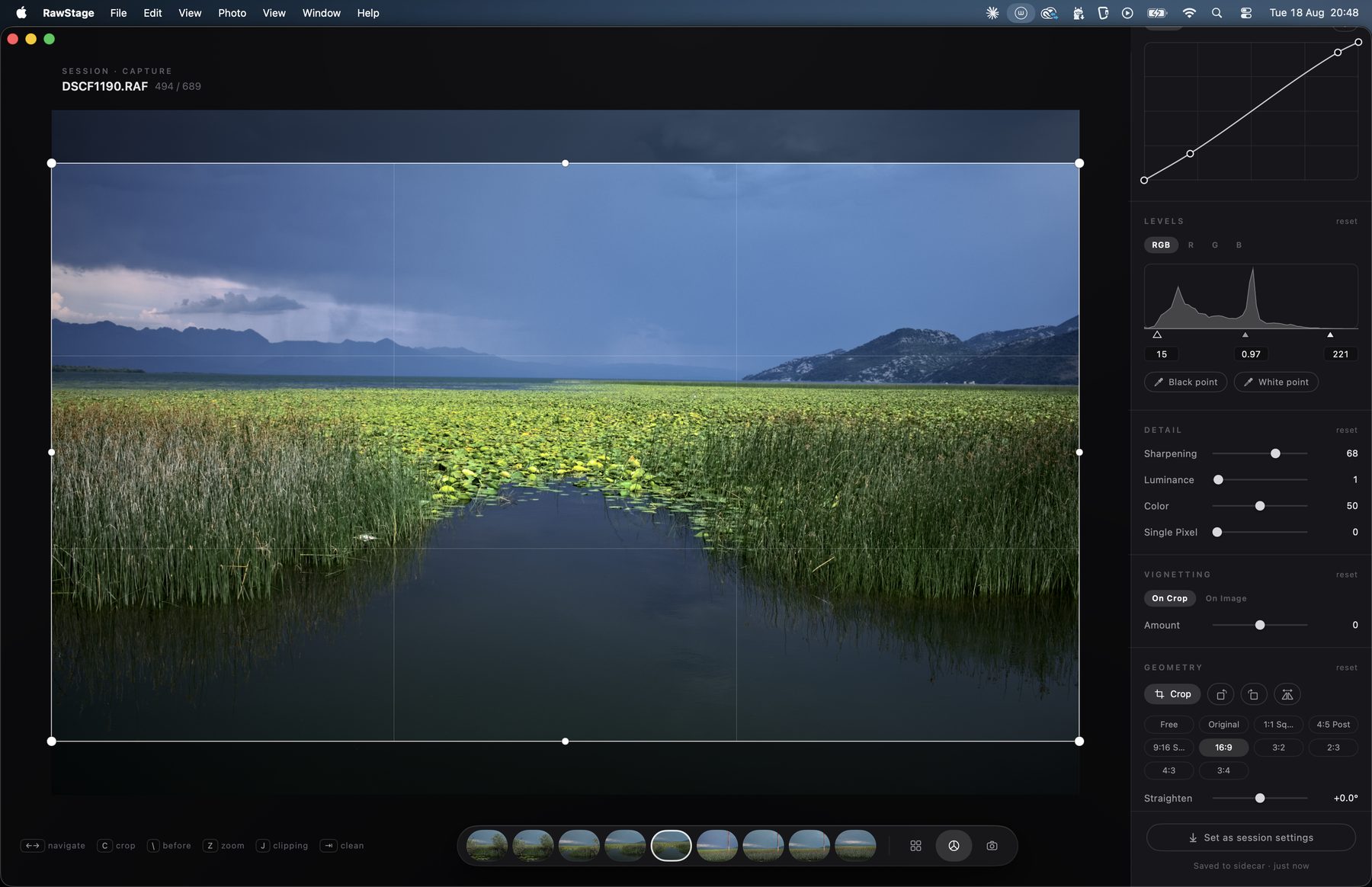
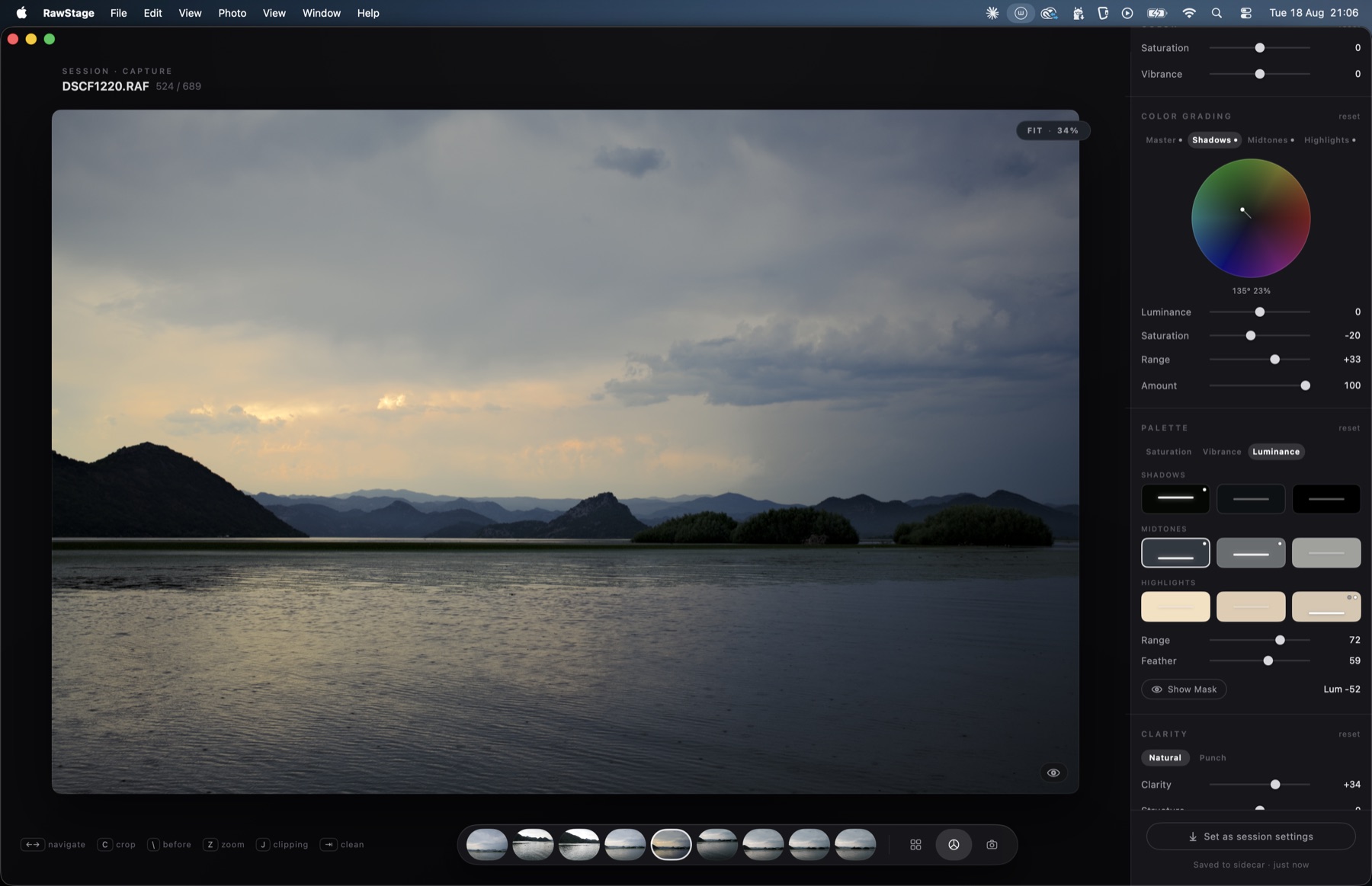
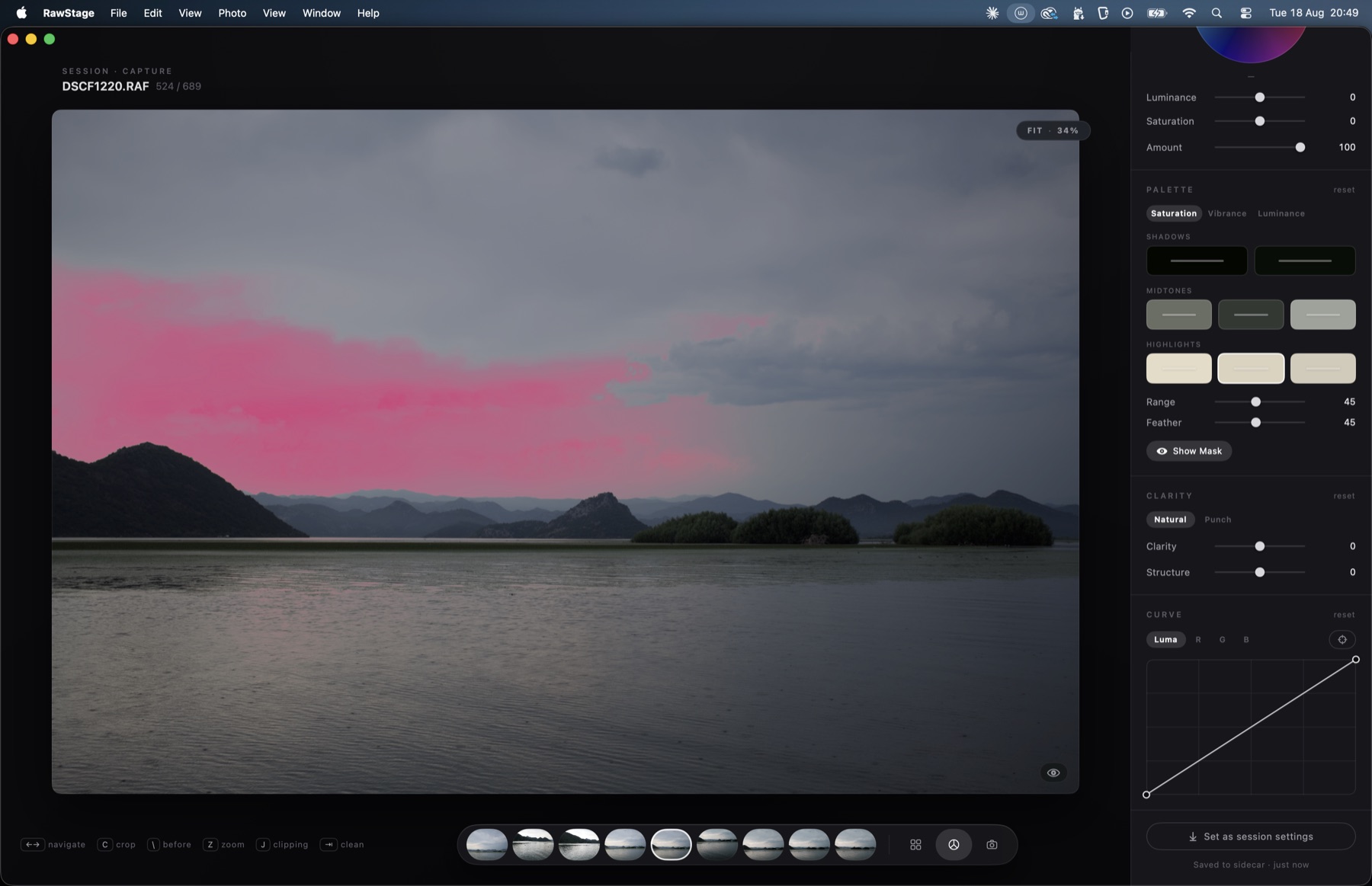
White balance, exposure, curves, levels, color — the full traditional toolset, rendering as fast as you can move a slider. Every edit lives in a small sidecar file next to your RAW: portable, readable, yours.

Tether

Shoot to the screen. Keep shooting.

Plug in your camera and every frame lands in the session, develops with your session look, and is ready to judge in about a second. Unplug, replug, let the camera sleep — the session doesn't care.

Why another RAW app?

Because right now you're paying rent on one app that does too much, or juggling two that each do half. Session work needs exactly three things — capture, selection, development — and needs them fast, in one place, without a catalog database between you and your files.

We're building that. Nothing else.

The beta, honestly

What's in the box today.

Works now

Native USB tether for Fujifilm X / GFX (tested end-to-end on a GFX100S — sleep, cable pulls, bursts). Hot-folder tether for any brand. Instant culling grid with keyboard ratings, flags, color tags and filters. The full classic develop panel: white balance with eyedropper, exposure to blacks, luma + RGB curves, levels, clarity, vignette, sharpening and noise reduction, single-pixel (hot pixel) removal, crop with corner rotation. Copy/paste settings across selections. Session look that follows your edits in tether. Export to JPEG, PNG, TIFF-16 and HEIC.

Not yet

Film-style LUTs and presets (coming to the Pro engine), masks, color wheel, dehaze. UI is English for now — Portuguese is on the way. Native tether is verified on GFX100S; other recent X / GFX bodies should work over the same protocol — that's part of what this beta is for. Beta builds expire after ~60 days; grab the newest one here.

What we'd love from you

Plug in your camera body and tell us if tether works — the model name is half the report. Run one real session end-to-end: shoot, cull, develop, export. If anything feels slow, stutters or surprises you, use Help → Send Feedback in the app — Help → Export Logs attaches the technical story in one file.

Download the beta.

Signed and notarized. Requires macOS 14 (Sonoma) or later. Built and measured on Apple silicon; the binary is universal, so Intel Macs run it too — untested, brave owners welcome. Free while in beta — no license key. Leave your email and the download unlocks; we'll also ping you when new builds land.

Your email goes to us and nowhere else — build announcements only.
Where this is going

The beta is free. The Pro engine comes next.

Color, with intent

Film-style looks & presets

A LUT engine with looks designed by a working photographer — applied automatically per film-simulation setting read from your files, if you want. Save your own presets and carry a signature look across sessions.

Finer control

Color wheel, masks & dehaze

A proper color grading wheel, the first local adjustments (linear and radial masks), dehaze, and export recipes — several outputs from one export, the way delivery actually works.

One price, once

Bought, not rented

Everything above ships as RawStage Pro: a one-time purchase, no subscription, ever. Culling, tethering and the classic develop panel stay in the free version. Beta testers get founder pricing at launch — that's the thank-you.

Built by a working photographer

I shoot sessions on a Fujifilm GFX. For years my workflow was a tether utility taped to a subscription editor — two apps, two philosophies, neither built for the way a session actually flows. So I'm building the tool I kept looking for: one window, three rooms, everything measured in milliseconds.

— Frederico van Zeller

New builds, straight to your inbox.

Leave your email and you'll get a short note when a new beta build lands — and founder pricing when RawStage launches. Nothing else.

No spam. One click to leave. Your email goes nowhere else.